
If personal finance were an animal, it would be something like an octopus. More than eight arms, and each one reaching somewhere different.
Mutual funds, stocks, credit cards, bank accounts, fixed deposits. That is only the start. As your life grows, so does the number of places your money lives, and the number of things you own that are worth something. A house. A plot bought years ago. Gold in a locker. A stake in a friend's business. The scooter. And on the other side, the things you owe that no credit report knows about: money borrowed from family, a loan against property.
Most of this never shows up in a finance app, because no bank or aggregator can see it. So the net worth you look at is quietly wrong, always a little lower than the truth, and you end up holding the rest of the picture in your head.
A number that matches reality
At Fold, the job we have set ourselves is to bring your whole financial life under one roof. Every few releases we unlock another piece of it that used to sit outside: EPF, NPS, your Amazon Pay wallet balance, and more on the way.
But there will always be things Fold cannot sync automatically, either because they live nowhere digital, or because the rails to fetch them do not exist yet. We did not want those things to be missing from your net worth. So you can now add them yourself, as custom entries.
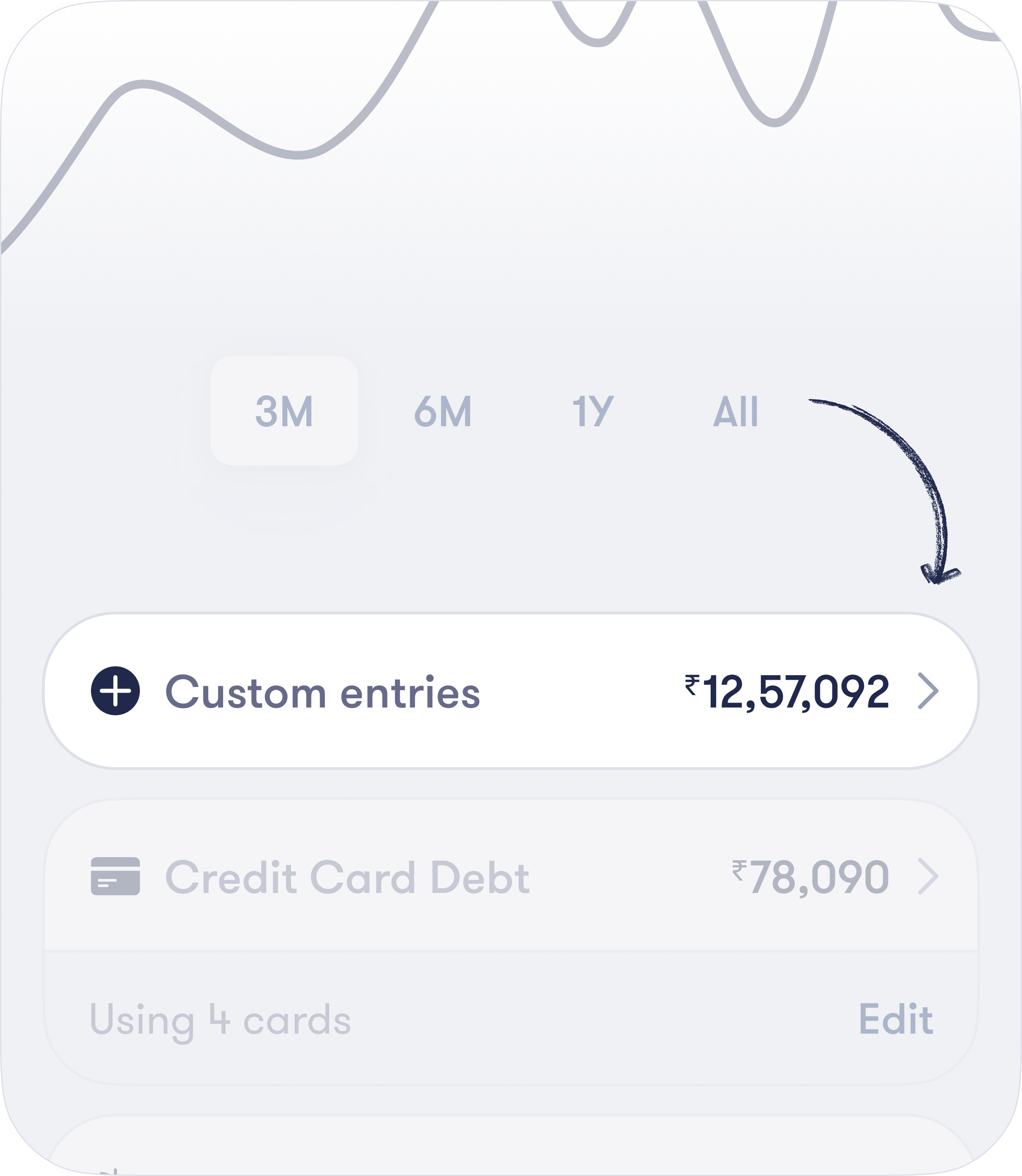
A custom entry is any asset or liability you add to your net worth by hand. Property, land, gold and Sovereign Gold Bonds, a vehicle, a business stake, crypto, a collectable, cash under the mattress. Or a liability, like a personal loan or money you owe someone. You give it a value, and it counts in your net worth alongside everything Fold tracks on its own. The net worth graph updates the moment you add it.
More than a number on a list
Each custom entry holds a bit more than its value, because a single figure is rarely the whole story:
Your share of it. For something you own jointly, a flat or a family asset, you can record how much of it is yours, and only that share counts towards your net worth.
Notes and documents. Keep the details and the paperwork with the entry itself, so the context lives next to the number instead of in a drawer.
Whether it counts. You decide, entry by entry, whether something is part of your net worth. An asset you are tracking but do not want to include can sit out of the total.
A history. As you update a value over time, say gold as its price moves, or a property as it appreciates, Fold keeps the history, so you can see how that one holding has changed, not just where it stands today.
How to add one
- Open your net worth in Fold. If you have not set it up yet, do that first.
- Tap the net worth widget, and look for Custom Entries below the graph.
- Add the asset or liability, give it a value, and choose whether it counts towards your net worth.
That is it. The total reflects it straight away, and you can come back and update the value whenever it changes.
On the free plan you can add up to three custom entries, which is enough for most people to cover the big ones: a home, some gold, a loan. Fold Plus raises that limit substantially, for finances with a few more arms than most.
Why by hand is the point
We think a lot about what Fold should do for you automatically and what it should leave in your hands. Syncing a bank account should be automatic; you should never type a transaction. But the assets a machine cannot see are exactly the ones only you know the value of. Adding them by hand is not a gap we are waiting to close. It is the honest way to count the parts of your wealth that live off the grid.
The result is a net worth you can actually trust, because nothing worth counting is left out of it.
If there is something you wish Fold tracked that it does not yet, tell us at [email protected]. A lot of what we build starts there.